Check the season, the zone, the limit.
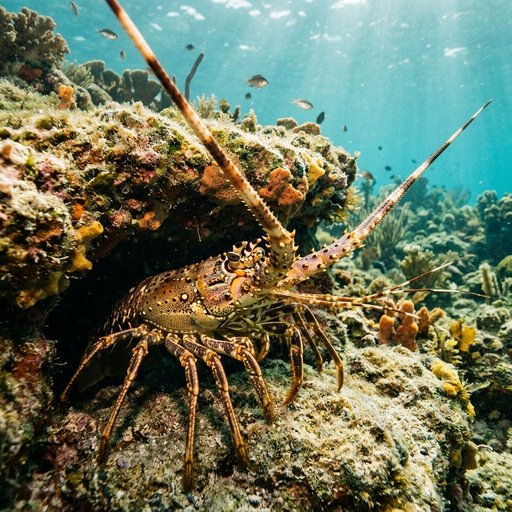
Bay scallop Gulf Zone 2
Opens in 62 days
Spiny lobster Atlantic Zone 1
Opens in 35 days
Stone crab Statewide
Closes in 203 days
Blue crab Gulf Zone 4
Opens in 12 days
Know where you stand before you leave the dock.
Not on a store yet
Sample data for illustration Verify current FWC rules.
What Shellmark tracks
11 species, the rules for each
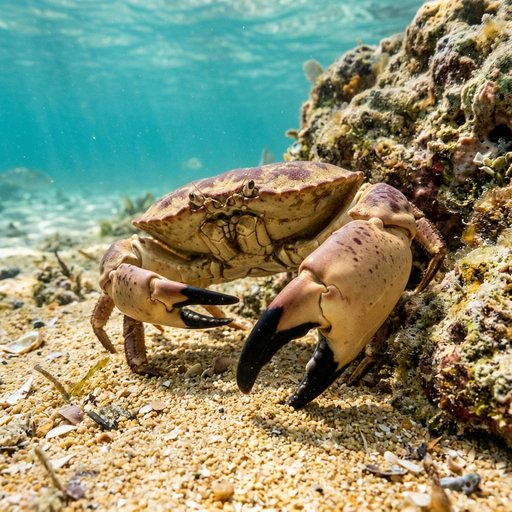
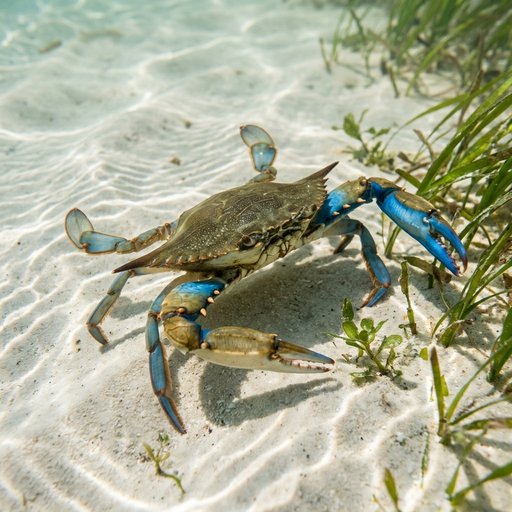
Bay scallops, spiny lobster, stone crab, and blue crab, plus shrimp, blue land crab, sea urchin, and octopus. Each one has its own season, its own zones, and its own limits, and Shellmark keeps a separate countdown for every one of them. Three more - queen conch, horseshoe crab, and Bahama starfish - may not be harvested at all, and Shellmark always shows them as no take.
Sample data for illustration Verify current FWC rules.
How it behaves when it is unsure
When Shellmark cannot tell, it says verify.
A position Shellmark cannot resolve cleanly answers verify, never a guessed open or closed. An unreachable closures feed is treated as unavailable and pushes the app toward a verify posture, never read as nothing is closed. A missing safety input never lets the go-out verdict read better than use caution, and taking data away can never turn it greener.
What it looks like
Three screens, one trip
These are illustrative previews drawn for this page - not screenshots, and not live data. They show how each screen is laid out and what it will and will not tell you.
The go-out verdict
A green, yellow, or red read on the day
Before a trip, Shellmark scores conditions on the water - marine weather, wind and seas, tide, and storm or advisory text - into one of three reads.
Good to go
Conditions look manageable based on what Shellmark can see right now.
Use caution
Something in the mix - wind, seas, tide, or a piece of missing data - says slow down and look closer.
Stay in
Conditions, or an active storm or advisory, say today is not the day.
Sample data for illustration Verify current FWC rules.
The verdict is about conditions on the water only. It is never a statement that a season is open, a zone is harvestable, or a take is legal - that is what the Seasons and Zone screens are for. A missing safety input never lets the verdict read better than "USE CAUTION," and taking data away can never turn it greener.
What Shellmark does
Built around the questions you ask at the ramp
Season countdowns
For each modeled species, Shellmark shows open or closed, plus a days-left or opens-in countdown, built from Shellmark's bundled regulations data and your device's clock. An optional retrieved-on line shows where that data came from.
Am I in an open zone
Using your device's GPS, Shellmark checks your position on-device against bundled harvest-zone boundaries: inside an open zone, inside a no-take zone, near a boundary (verify), or outside every zone modeled. Today this is shown as a ranked list of your nearest zones, not a drawn map. Your coordinates are never sent anywhere for this. A position Shellmark cannot resolve cleanly answers "verify," never a guessed open or closed.
The go-out verdict
A green, yellow, or red read on conditions - good to go, use caution, or stay in - from marine weather, wind and seas, tide, and storm or advisory text. It is never a read on whether a season or zone is legal to harvest.
Bag and vessel limits
Enter a species and your party size, and Shellmark works out the allowed take: the lesser of the per-person limit times your party, or any vessel cap that applies, from Shellmark's bundled regulations data. A closed rule always returns zero, no matter the party size.
A harvest log that stays yours
Species, quantity, notes, an optional photo reference, and an optional saved spot - written only to your device. There is no account and no server copy. Exporting your log to share or back up is a Shellmark Pro feature.
Emergency-closure awareness
Shellmark checks its own read-only closures channel for posted FWC emergency closures, with a bundled fallback if that channel cannot be reached. An unreachable or broken feed is treated as unavailable and pushes the app toward a verify posture - never read as nothing is closed. Closure cards show species, region, an optional reason, and an effective date.
Where each rule comes from
Every rules screen - Today, Seasons, Zones, and Limits - carries a "Verify current FWC rules" reminder, and individual rows can show a source citation back to the specific bundled record behind them.
Season dates, zone boundaries, and limits shown here are Shellmark's own bundled data and can lag a real-time FWC emergency closure. Verify current FWC rules before you harvest. Shellmark is informational only and is not legal advice.
Privacy
What stays on your device, and what does not
Shellmark is built to keep as little as possible off your phone, and to be plain about the rest.
- No accounts, no sign-in, and no persistent identifier anywhere in the app that could link stored data back to you.
- Your harvest log, any saved spot, and photo references live only on your device. Deleting an entry, or deleting the app, removes them with no other copy anywhere.
- GPS position is read only while Shellmark is open in the foreground. Background location access is turned off in the app's own configuration on both iOS and Android.
- Location does two different jobs: classifying your zone and season on-device, which never transmits your coordinates, and fetching live marine weather, which does send your precise coordinates to the weather provider, the US National Weather Service, with no name, account, or Shellmark identifier attached.
- Tide data comes from NOAA using only a nearby station ID Shellmark finds on-device - never your raw coordinates. Marine forecast text comes from the National Weather Service using only a public marine zone code, not coordinates.
- Ads are always requested non-personalized. There is no setting anywhere in the app that turns personalization on. Separately from Shellmark's own code, the ad SDK itself collects some device and advertising identifiers as part of how it serves and measures ads.
- Shellmark ships with no first-party analytics or tracking of what screens you open or how you use it.
- In-app purchases are handled by the Apple App Store or Google Play directly. Shellmark's own code never sees your payment details.
- Nothing in your harvest log - entries, photos, notes, spots - is shared with other users or with Brainstorm. It stays private to the device that created it.
- All network requests the app makes travel over HTTPS.
This is a summary. The full Shellmark privacy policy is the binding version.
Pricing
One free tier, two ways to unlock more
Free
$0
Ad supported
Supported by ads that are always requested non-personalized. There is no toggle in the app that turns personalization on.
Shellmark Pro
$9.99
Per year, auto-renewing
Removes ads and unlocks harvest log export.
30-day pass
$4.99
One time, non-renewing
Unlocks the same features as Pro for 30 days. This is a purchase, not a free trial.
These are the only prices Shellmark offers.
FAQ
Honest answers to the questions people actually ask
Is Shellmark affiliated with FWC or the State of Florida?
No. Shellmark is an independent, informational app. It is not affiliated with, endorsed by, sponsored by, or operated by the Florida Fish and Wildlife Conservation Commission, the State of Florida, or any government agency.
Does the green, yellow, or red verdict mean it is legal for me to harvest?
No. The verdict is a read on conditions on the water - weather, wind and seas, tide, and storm or advisory text. It never states that a season is open, a zone is harvestable, or a take is legal. Check the Seasons and Zone screens for that, and always verify current FWC rules.
Where does my harvest log go?
Nowhere but your device. There is no account and no server copy - species, quantity, notes, photo references, and saved spots are stored on-device only, and deleting an entry, or the app, removes them for good.
Does Shellmark track my location?
Shellmark reads your GPS position only while the app is open in the foreground, never in the background. It is used two ways: classifying your zone and season on-device, which never leaves your phone, and fetching live marine weather, which does send your coordinates to the weather provider with no name or account attached.
What does Shellmark cost?
Shellmark is free, supported by non-personalized ads. Shellmark Pro removes ads and unlocks harvest log export for $9.99 a year. A 30-day pass unlocks the same features for $4.99 as a one-time, non-renewing purchase - not a subscription trial.
How accurate are the season dates and zone boundaries?
They are estimates, built from Shellmark's own bundled regulations data and digitized zone boundaries. Both can lag a real-time FWC emergency closure, and a position near a boundary line may in fact be on the wrong side of it. That is exactly why every rules screen says to verify current FWC rules before you harvest.
Does Shellmark send an alert when a season or zone closes?
No. Shellmark does not send push notifications. You check the app for season status, zone status, and any posted emergency closures.